

1
Forward subscription events to Triple Whale
- Open Settings > Integrations, find Triple Whale under Analytics providers, and click Connect.
- Paste an API key created in Triple Whale under Settings > API Keys with the data-in scope, then click Connect.
- Every subscription change then flows by itself: created, active, paused, cancelled, with the cancellation reason.
- No test button; proof is data arriving after the next subscription event. Disconnecting stops it.
Checkpoint: the Triple Whale card reads Connected.
2
Watch portal usage in PostHog
- Find PostHog under Analytics providers and click Connect.
- Project API key is the
phc_key from PostHog under Settings > Project. API host stays blank for PostHog Cloud US;https://eu.i.posthog.comfor EU Cloud, or your self-hosted address. - Click Connect, then Test connection: it captures an OpenSubs Test Event you can watch arrive in PostHog.
- Portal visits are tracked like any site, subscription lifecycle events are captured server-side, and after login both land on one PostHog person, keyed by email.
- Only the portal is tracked, never your admin; it loads its own PostHog instance, separate from any in your storefront theme.
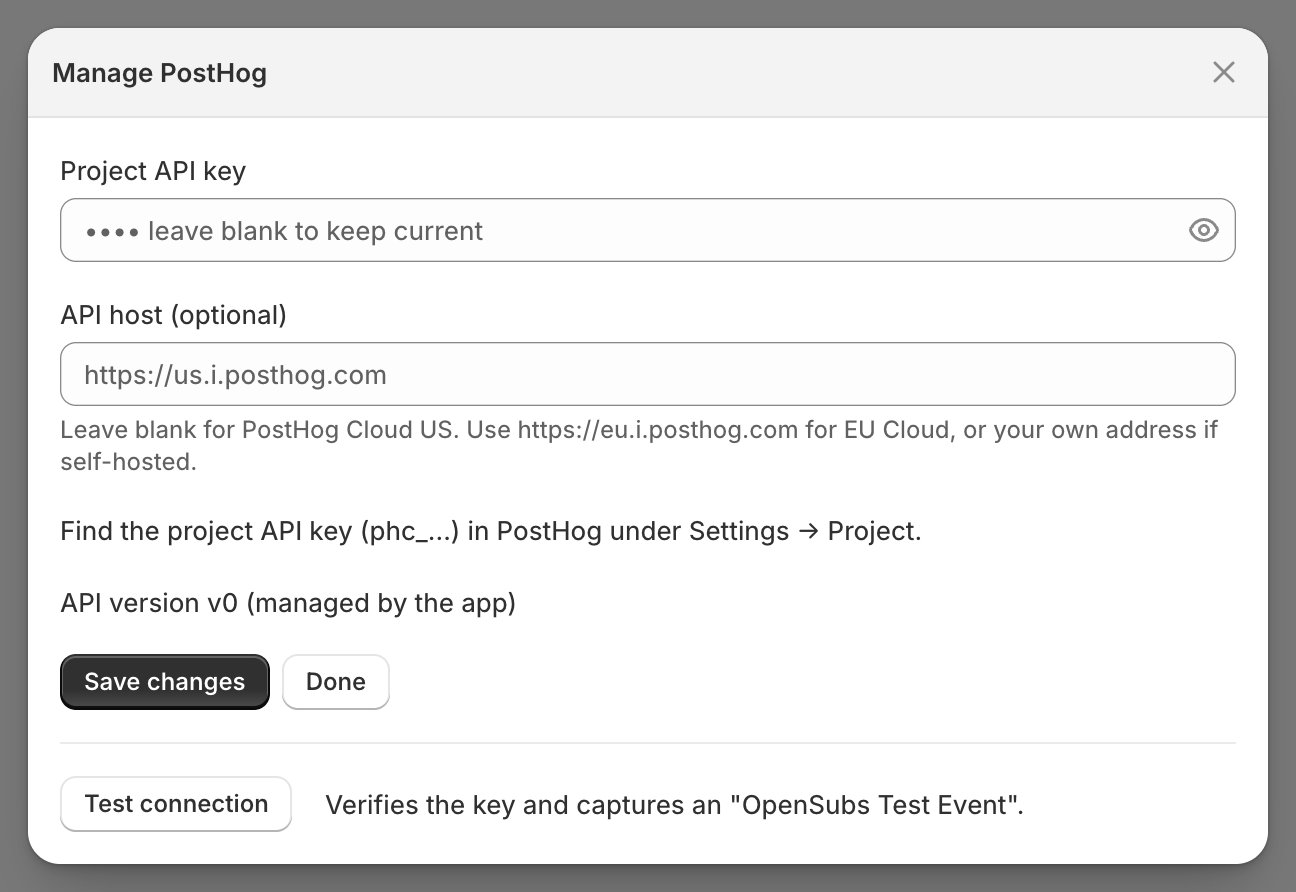
Checkpoint: the test event shows in PostHog.
Events arrive scrubbed. Login codes and click-to-act links are stripped before events leave for PostHog.
3
Send portal errors to Sentry
- Find Sentry under Monitoring and click Connect.
- DSN comes from your Sentry project under Settings > Client Keys (DSN). Environment is optional and tags every report;
productionis the usual choice. - Click Connect, then Send test event: a real event lands in your Sentry Issues feed.
- Portal errors then report themselves as they happen: browser crashes and server-route failures, tagged with your shop.
- The scope is the portal only: your admin is not tracked, and storefront theme errors are filtered out.
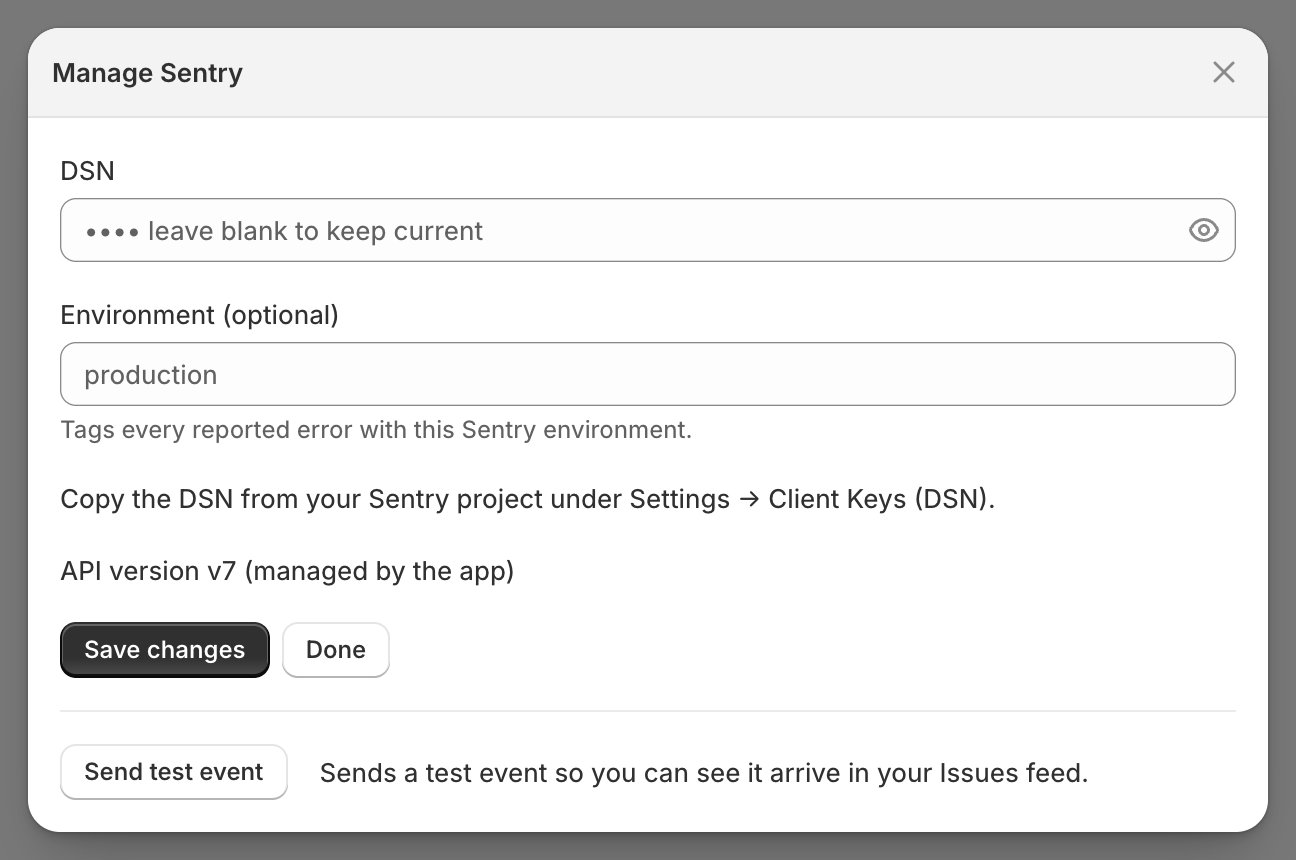
Checkpoint: the test event is in your Sentry Issues feed.
This watches your subscribers’ side, not the machine. Monitoring for the admin, background jobs, and webhooks is a deployment-level setting for whoever runs your code; the platform also watches itself: When an alert opens.
Operational health keeps an eye on all three. Each card gets a row under Integration connections on Settings > Operational health: PostHog and Sentry are re-verified live, Triple Whale shows Connected only, and a failing row names the reason. The panel is part of the morning check.