

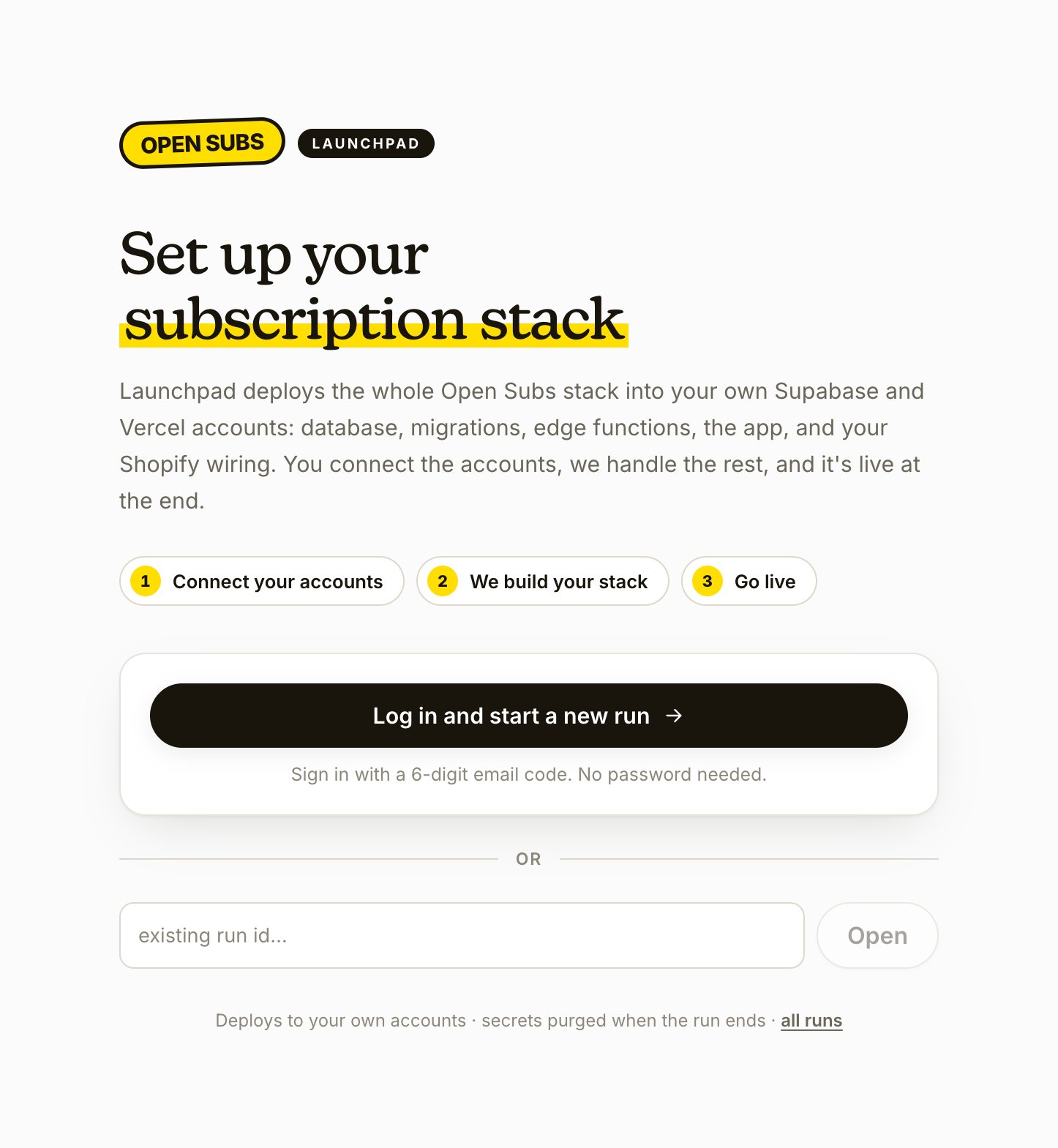
- Go to the OpenSubs installer (Launchpad) and click Log in and start a new run.
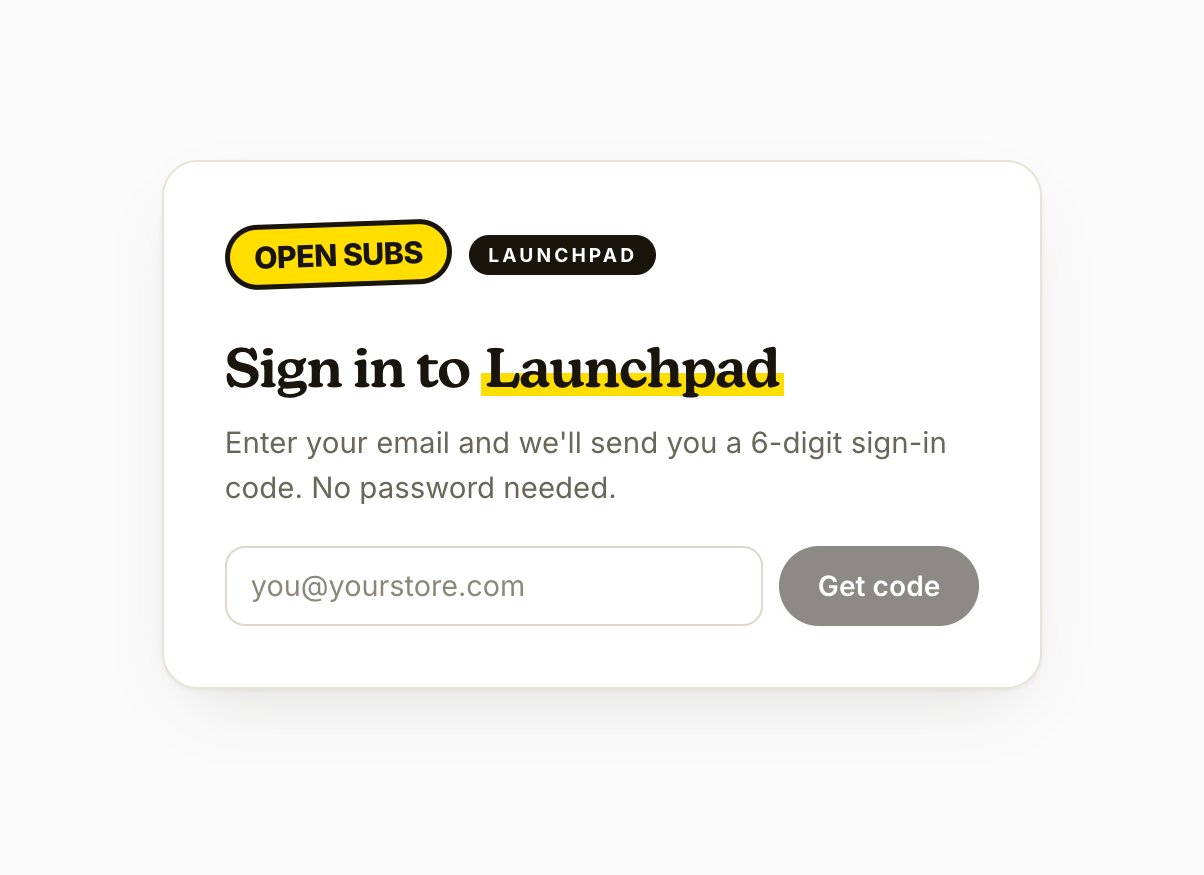
- Enter the email address associated with your membership, then enter the 6-digit code sent to that address.
Checkpoint: you’re in, with a fresh run open. Keep your license key, the three Shopify values, and your dev store domain from Gather the accounts at hand; the run asks for them next.