1
Your team buys
- No test cards this time: have one or several teammates subscribe on the live product page, with real cards and small stakes.
- Spread the purchases on purpose: different plans, different frequencies, different terms.
- You’ll see an ordinary checkout, with the subscription terms on the line item.
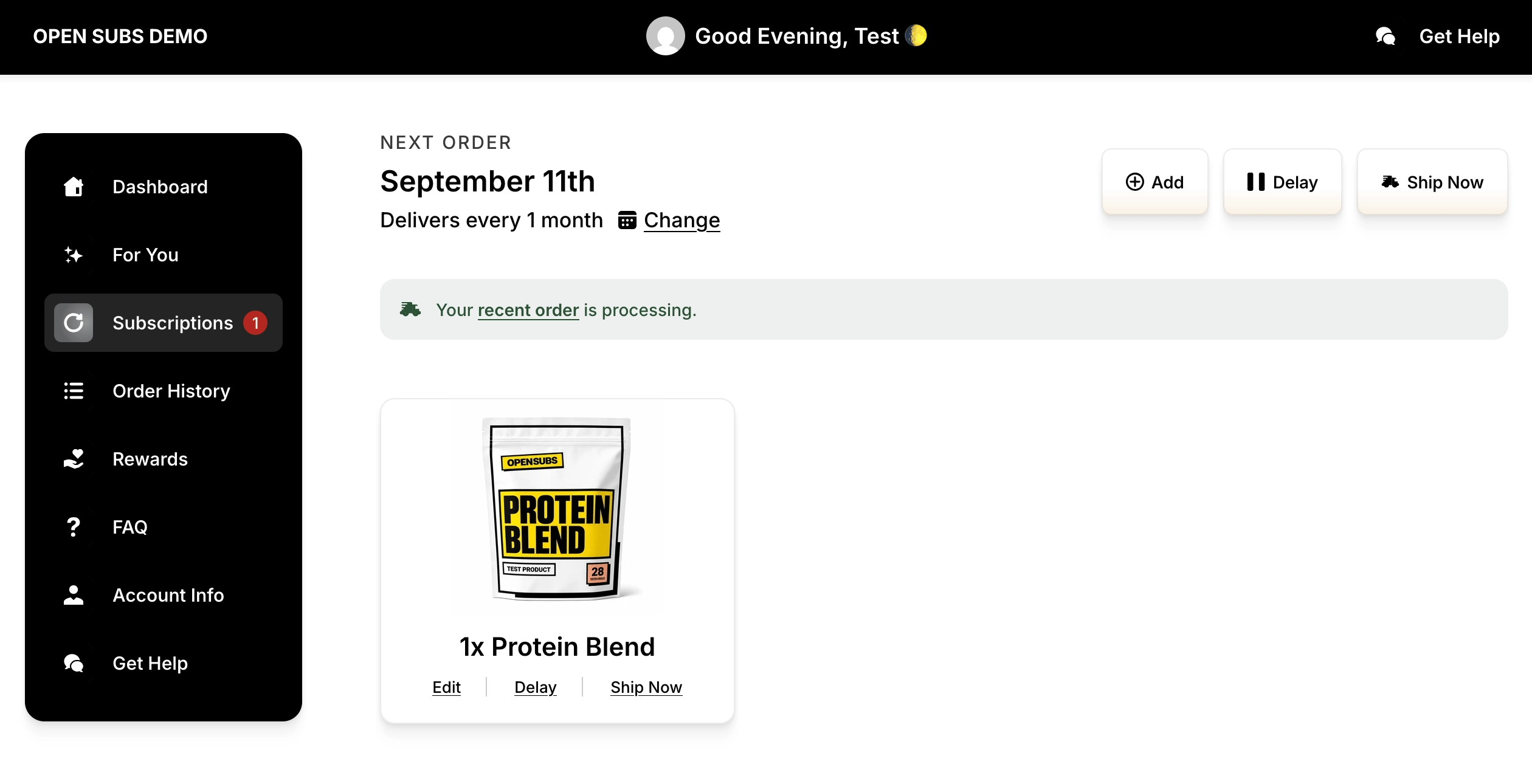
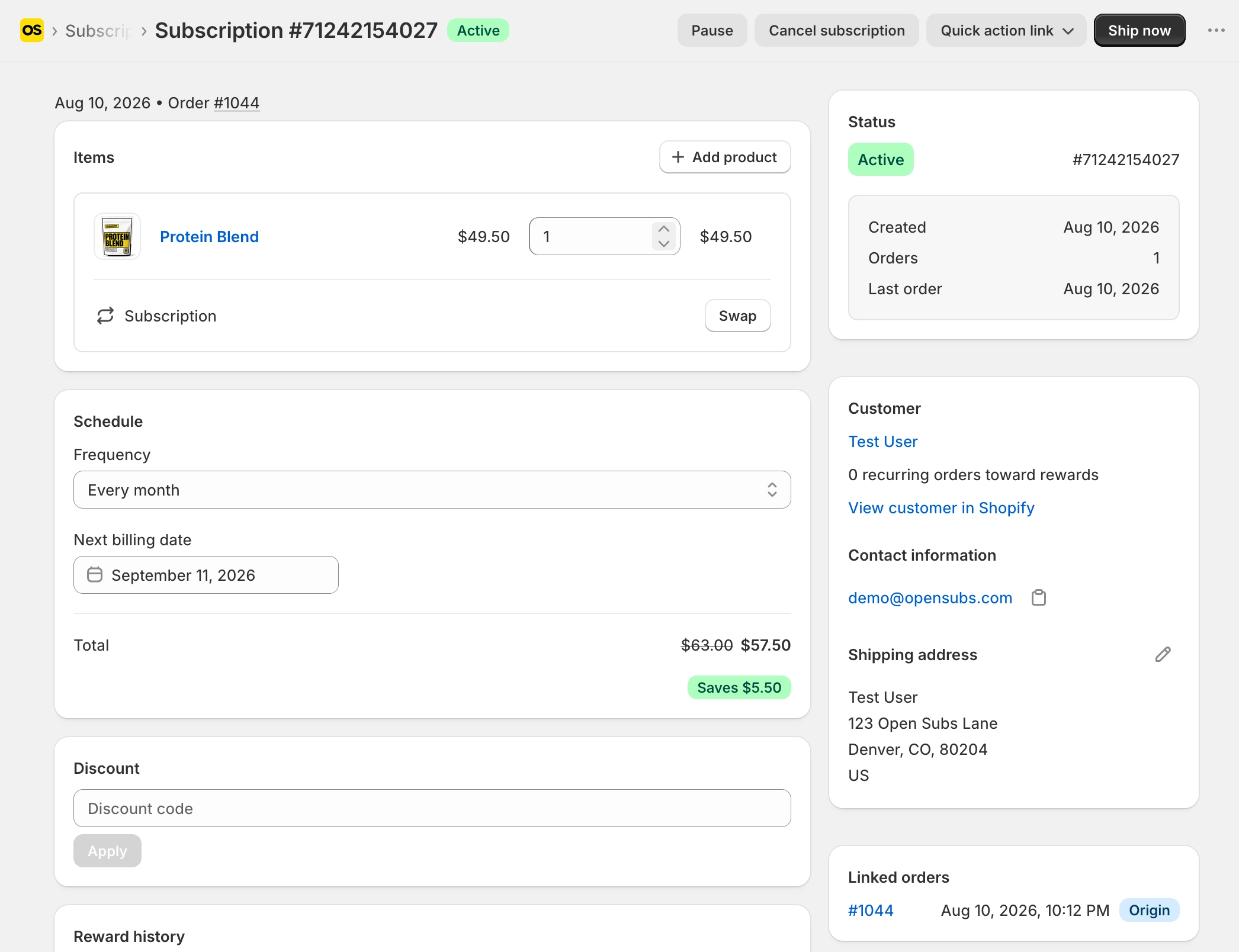
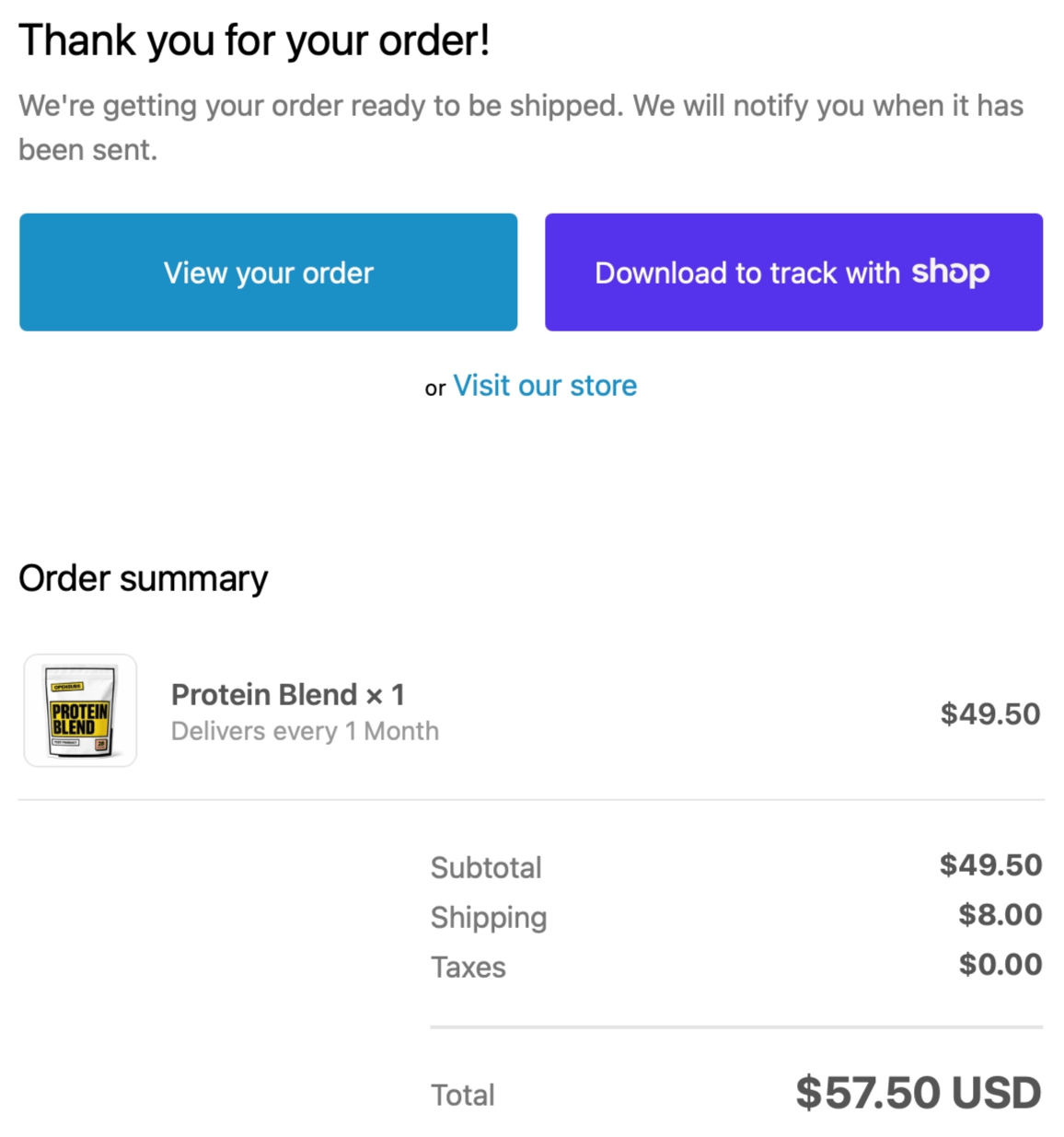
- Then find each order in three places: Shopify’s order confirmation email, the contract in the OpenSubs admin, and the subscriber’s portal: your store’s domain followed by
/a/account. - If your Klaviyo flow is live, or the SendGrid event is switched on, your branded welcome arrives too: your email setup’s first real send.
Checkpoint: every order visible in all three places.
2
The health check
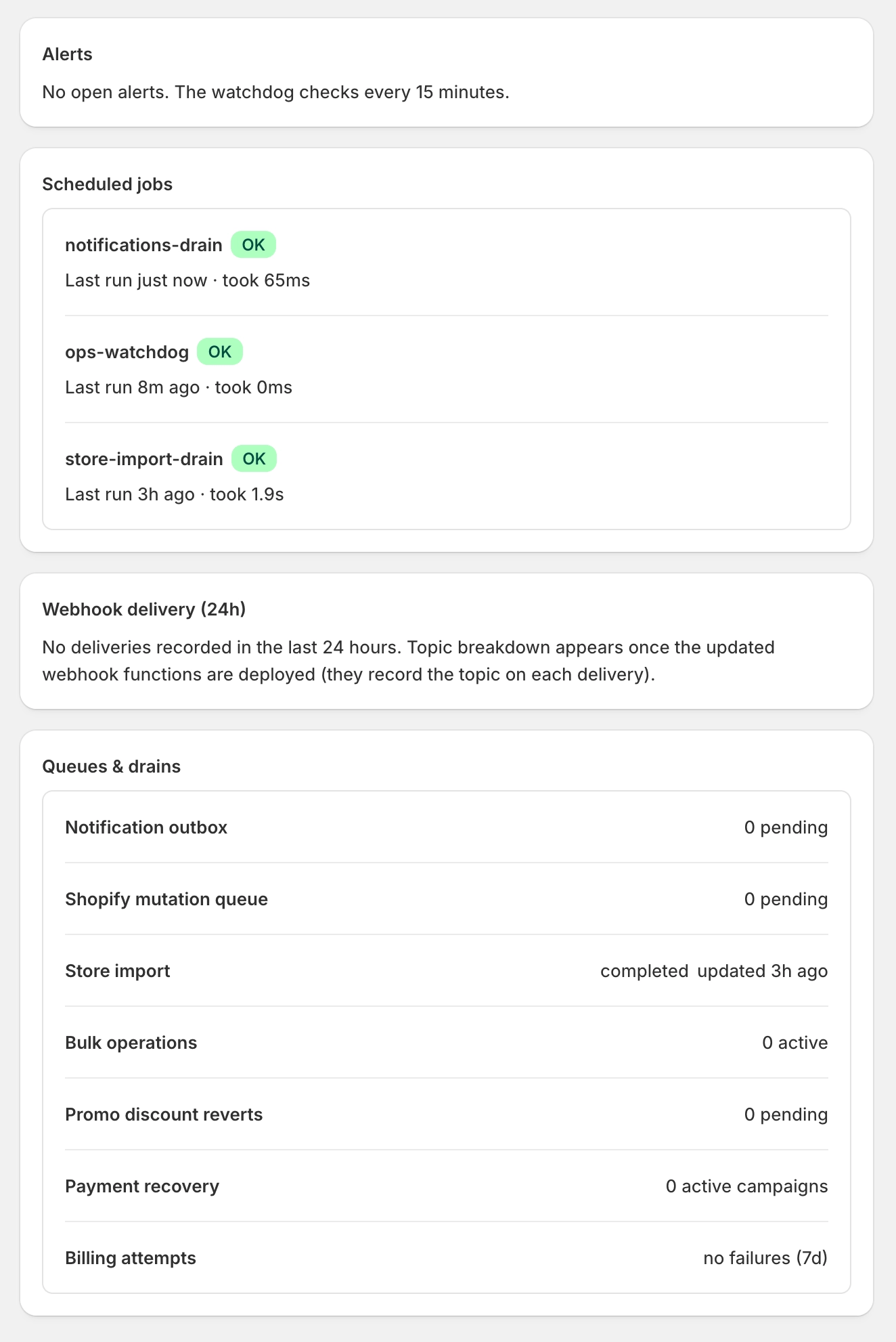
- In the OpenSubs admin, open Settings > Operational health.
- You’ll see jobs green, webhooks delivering, queues quiet, and providers Healthy under Integration connections: the page the machine reports to from now on. Reading it daily is The morning check.
Checkpoint: Operational health green on the live store; providers Healthy.
3
Clean up, or don't
- Refund the team orders in Shopify if you like, but remember: a refund is not a cancel. A subscription bills until its contract is cancelled.
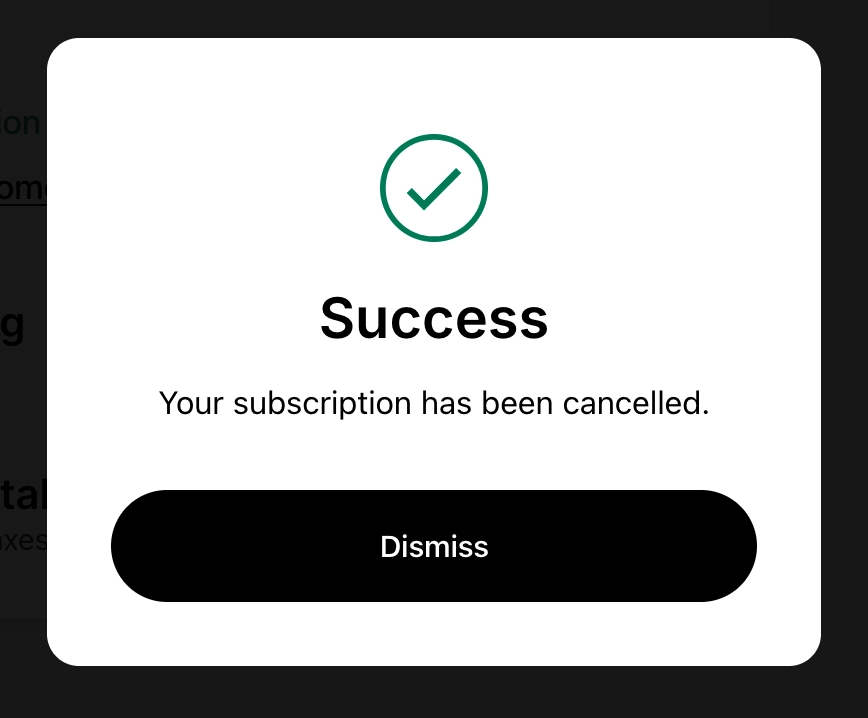
- Cancel the team’s contracts in the portal. It’s a free test-drive of your cancellation flow and its save offers: the discount, gift, or pause it tries before letting a subscriber go.
- Or leave one running as a canary: a real contract the daily billing run charges on schedule, proof that renews itself every cycle. The billing run fires at 9:00 AM store time by default; change it in Settings > Billing.
Checkpoint: team contracts cancelled, or one canary alive, on purpose.